

Your activity on Profile
A year of your PlanBrix days at the top of Profile, one square per day, darker on the days you used it most.
Every release, improvement and fix, newest first. Here's how PlanBrix has grown since day one.
A year of your PlanBrix days at the top of Profile, one square per day, darker on the days you used it most.
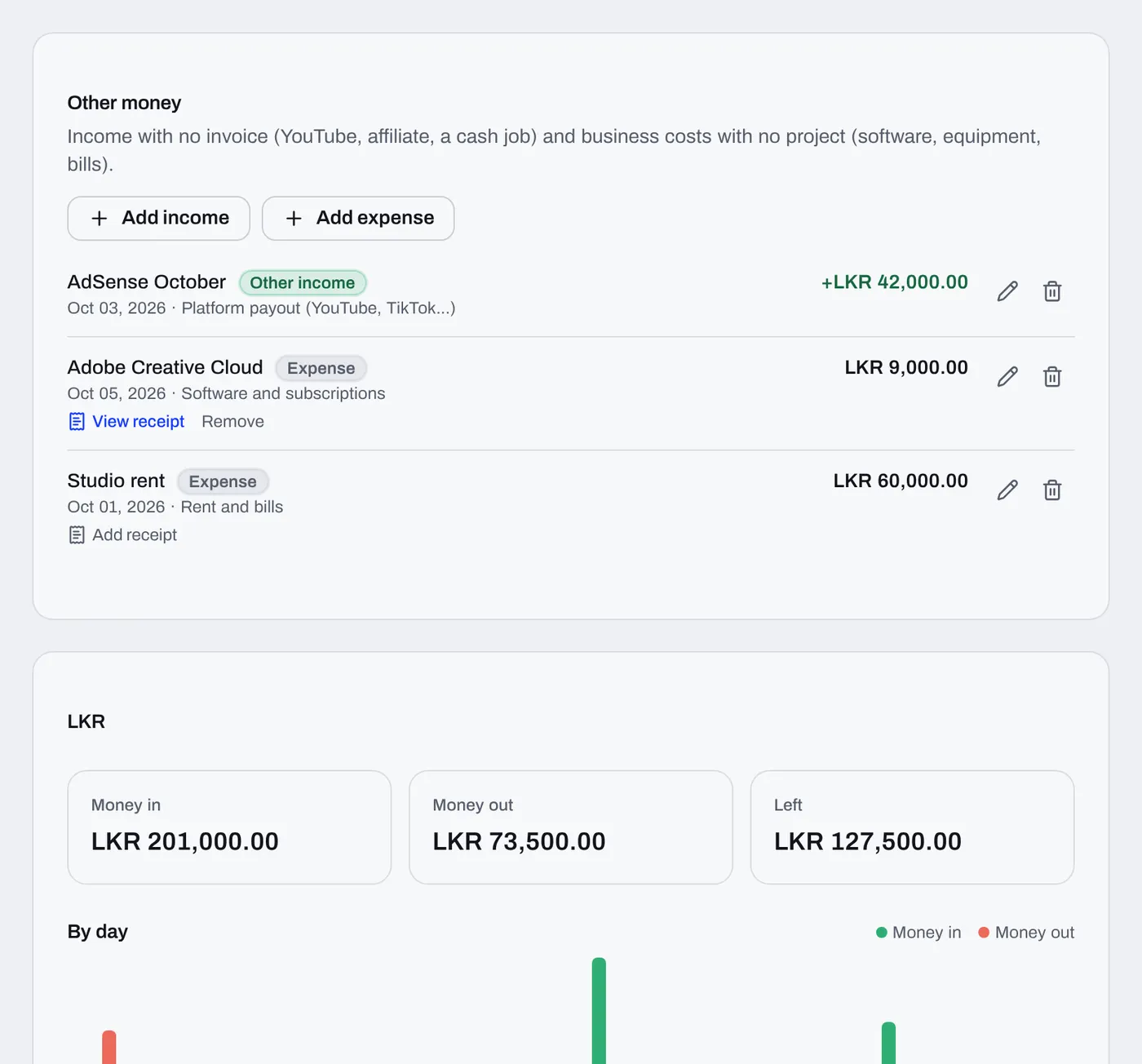
The report's chart now shows money in and money out side by side with a scale, animates in, and shows each month's numbers when you hover it.
Change a project's client and its imported invoices and unsent drafts move with it. Invoices you sent from PlanBrix stay with the client who received them.
Bring in past work from a spreadsheet with its invoices and payments on their real dates, so your reports and dashboard show the right months.
When you delete a project, its invoices and payments, quotes and tasks go with it, so nothing is left behind in your reports or dashboard. The client stays.
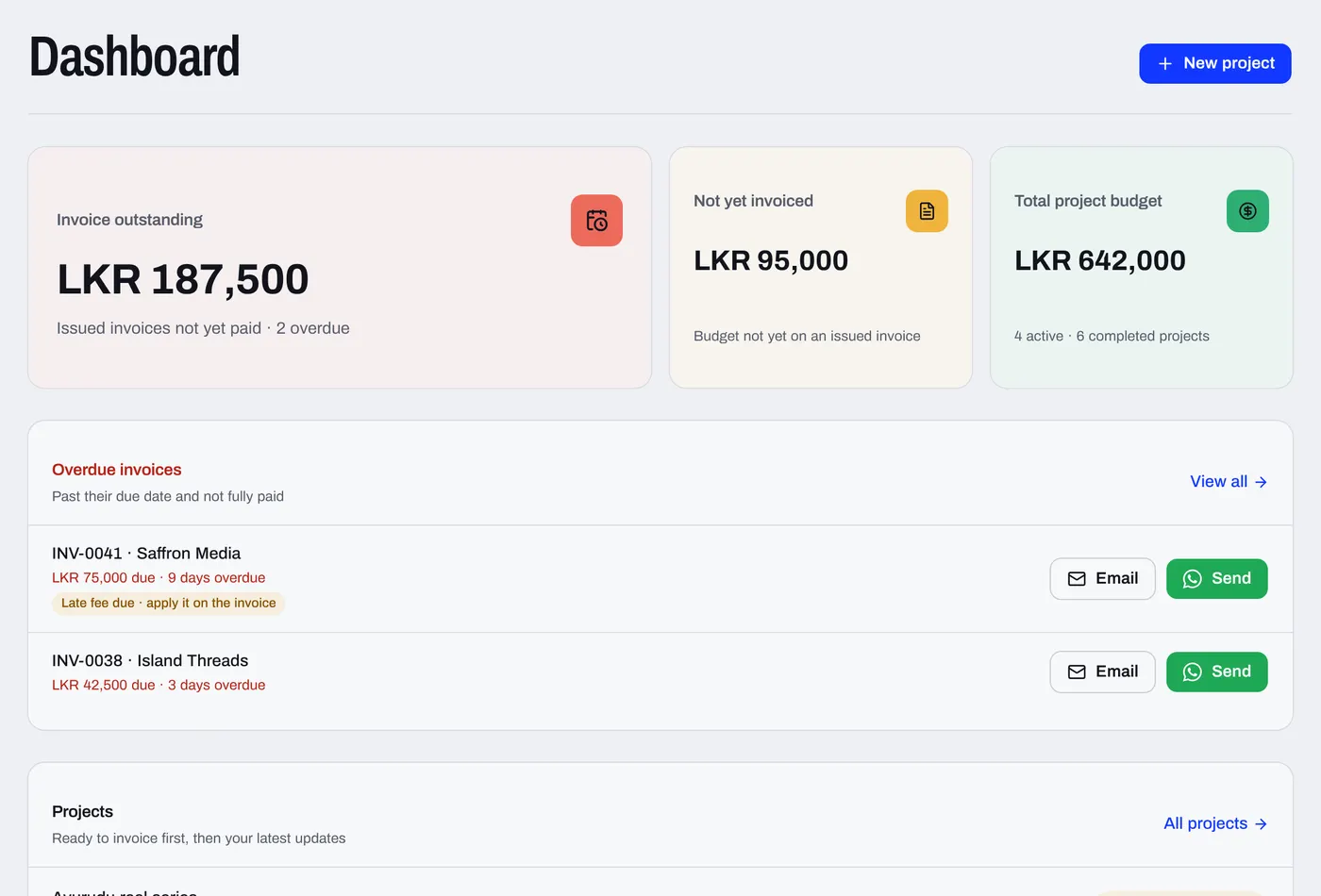
The month card on your dashboard now shows how received, expenses and what's left compare with the same days last month.
On a team as well as your own business? Click your workspace at the top of the sidebar and pick the one you want.
When someone invites you to their team and you already use PlanBrix, the invite shows in your notifications with a Join button. No need to open the email.
Your report now shows whether money in, money out and what's left went up or down since last month, in percent.
Add anyone to an event on your calendar and they get a real calendar invite by email.
New on the task board opens the task panel straight away, so you can fill in everything in one go.
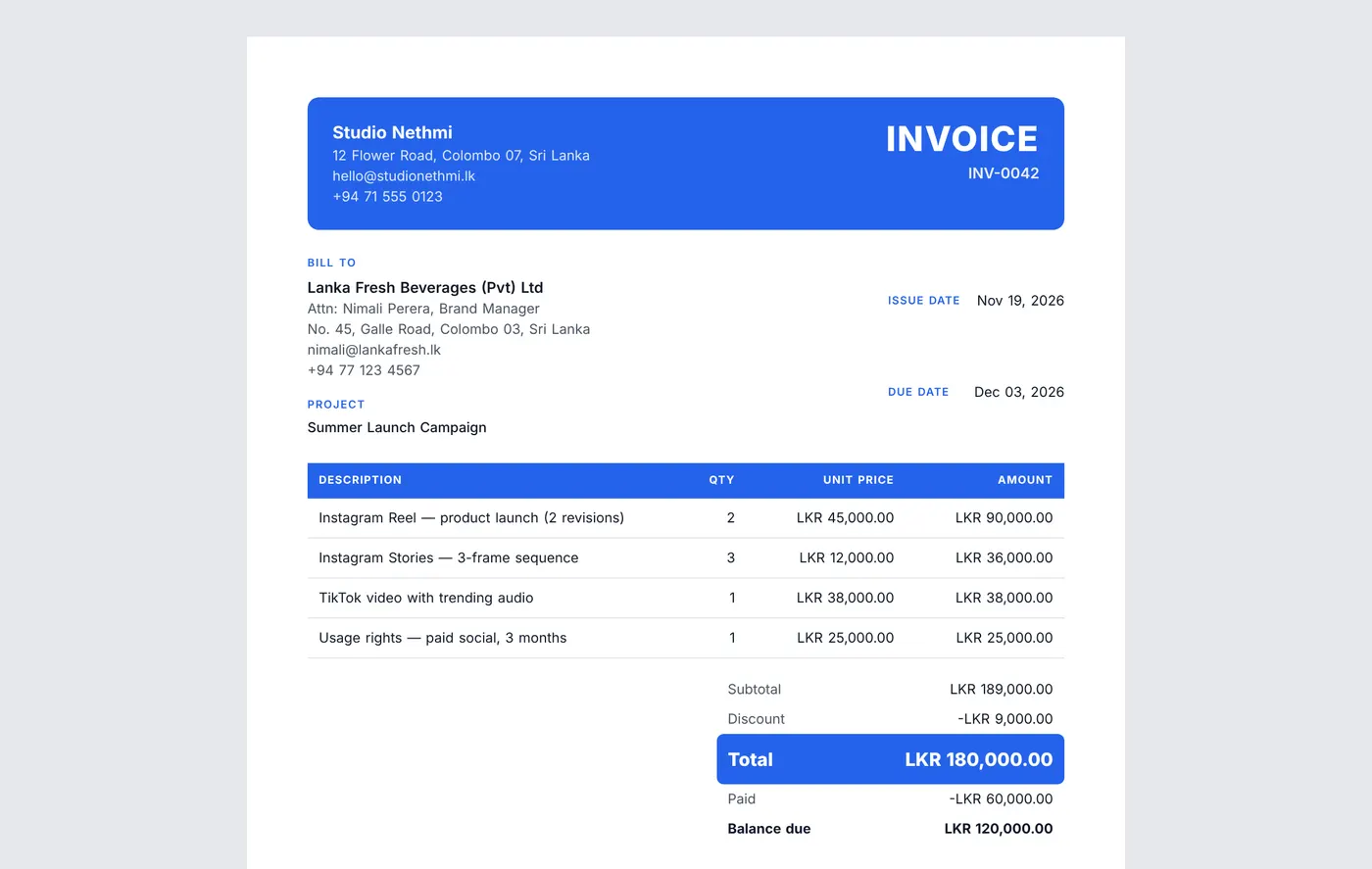
Your own invoice layout is now fully editable. Click anything to change it, or drag it to a new spot.
When you upload your own invoice, Pola now builds the copy in front of you, a third at a time.
The eye in the top bar now hides money across the whole app, handy when you share your screen.
Upload the invoice or quote you already use, and Pola sets up a template that matches it: layout, colours, fonts, logo and table.
Pola moves more smoothly and dresses for the season.
Pola sorts the columns and tidies every row when you import clients and projects from a spreadsheet.
Every due date in one live month view: projects, steps, tasks and invoices, with overdue items in red.
Our free newsletter: practical tips on pricing, clients and brand deals, twice a month.
Read and subscribeBundle your rates into packages with one price, and let Pola read the price list you already use.
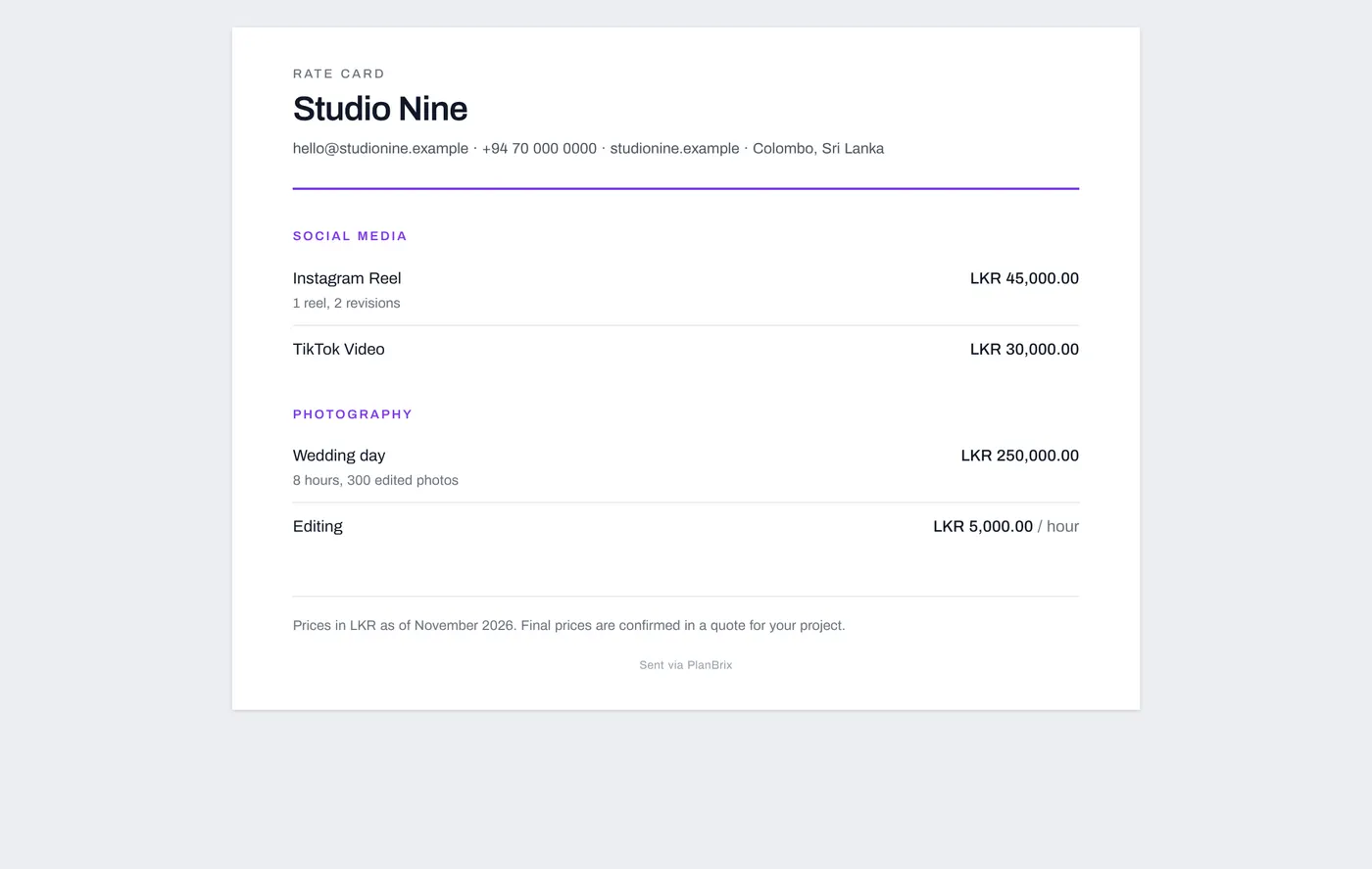
Ten rate card designs for creators, photographers and videographers, made yours with your colours, photos and numbers.
New accounts set up in a few short questions, with a live invoice preview that follows your answers.
Earn badges for projects finished, money earned and time with PlanBrix, and share them as a picture.
Pola can now record a payment, change your rate card prices, write reminders for you to send and give you a daily brief.
Add a late fee to an invoice that's already sent and unpaid, counted from its due date.
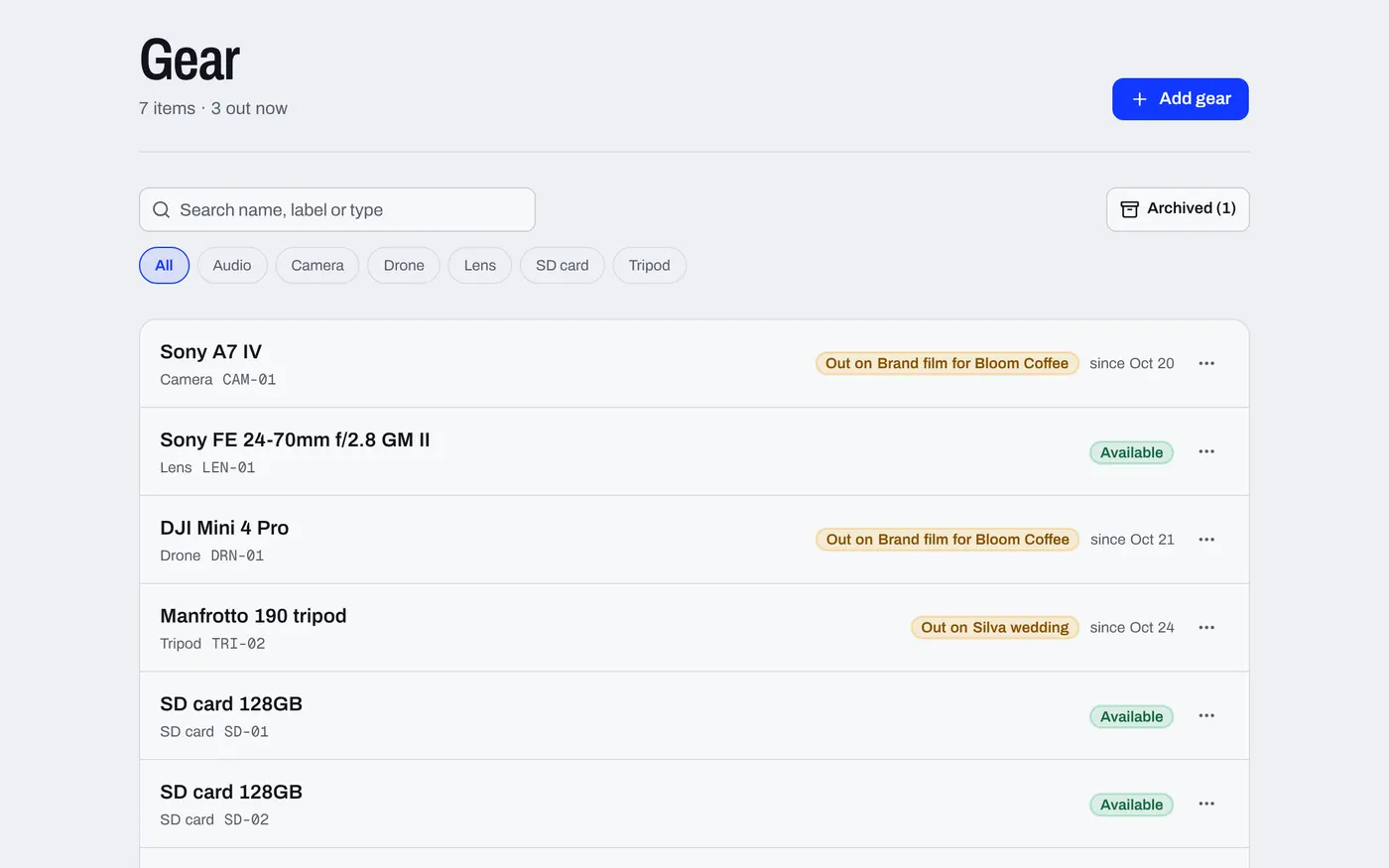
See payment remindersKeep a list of your cameras, lenses and kit, tick them out and back on each project, and see when something is still out.
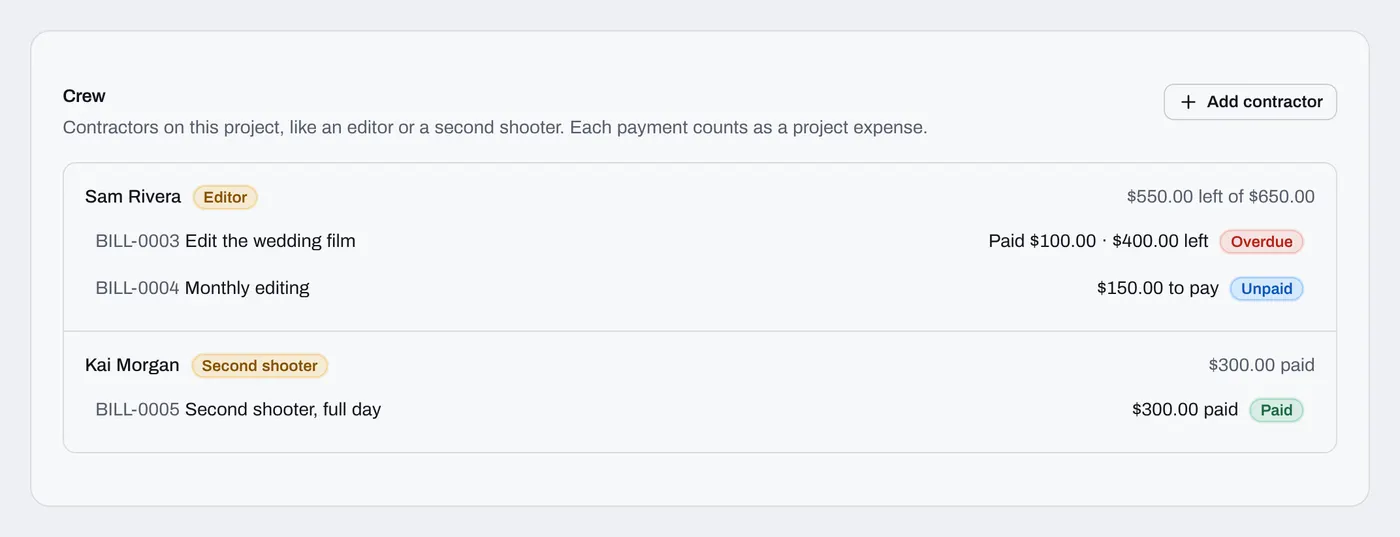
Save the editors and crew you hire, record what you owe for each job and pay in parts.
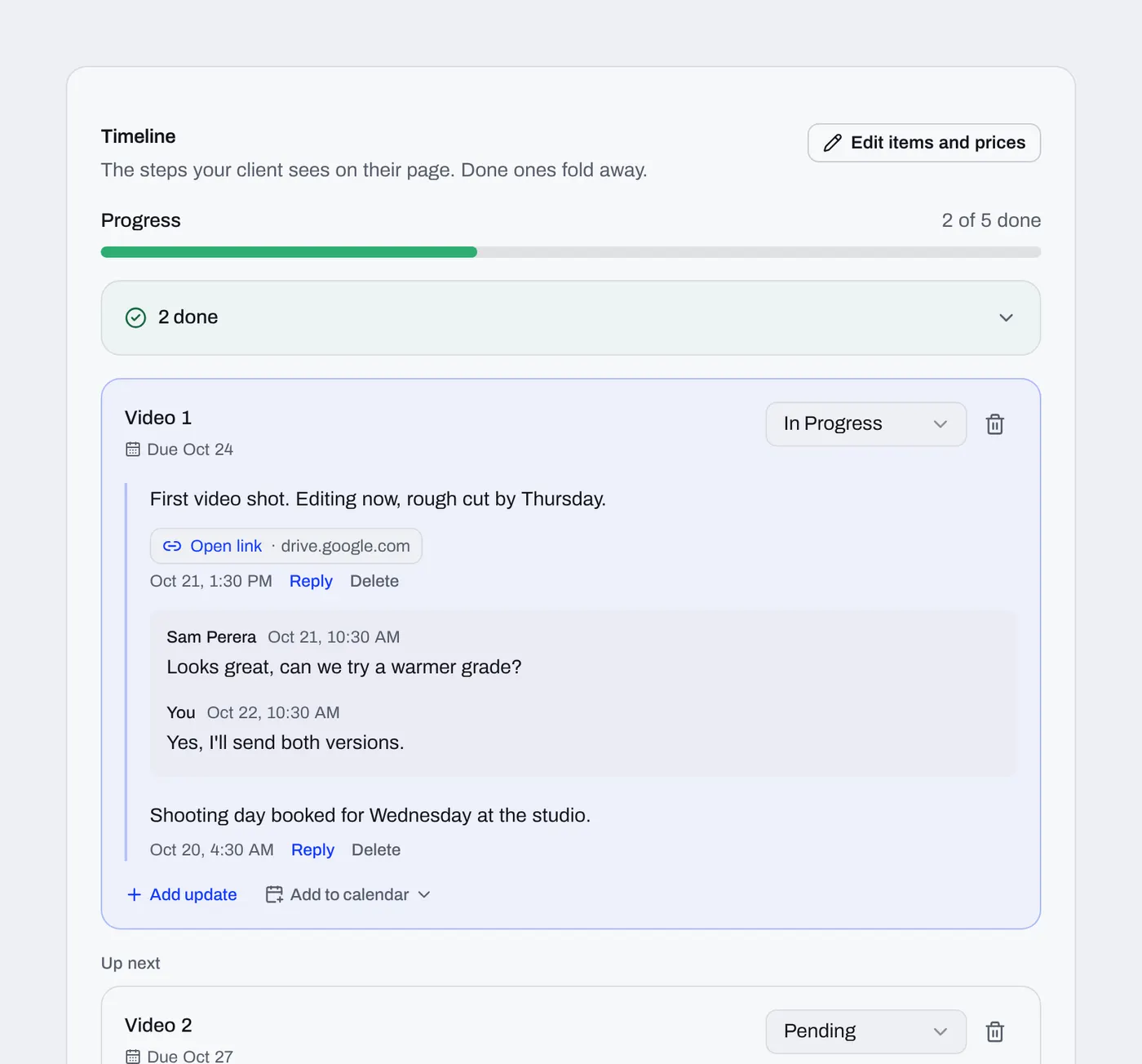
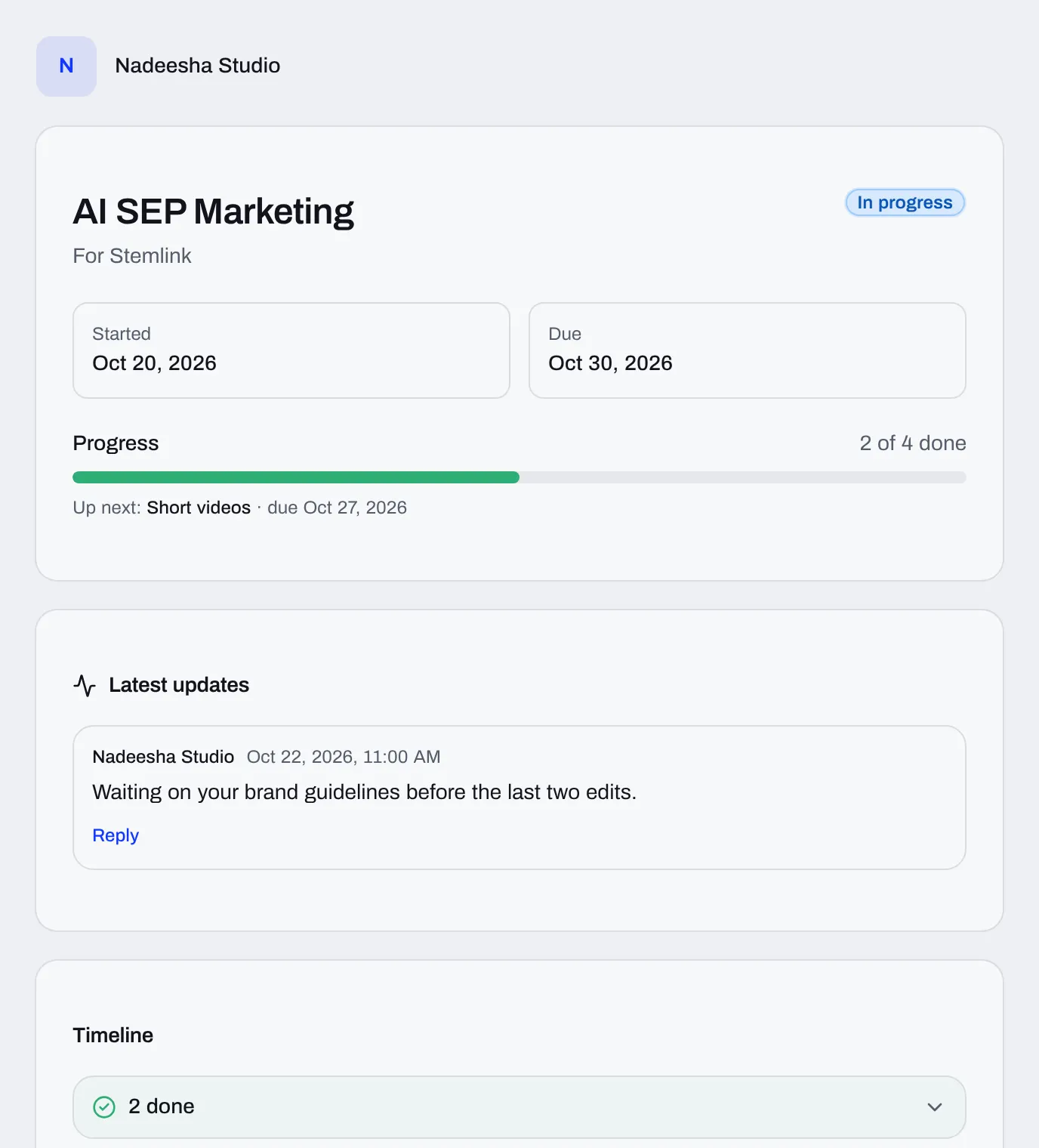
Post progress updates your client sees on their project link, and they can reply.
One of our biggest releases, built from what freelancers asked for most.
Quotes follow up on their own until the client accepts or says not right now.
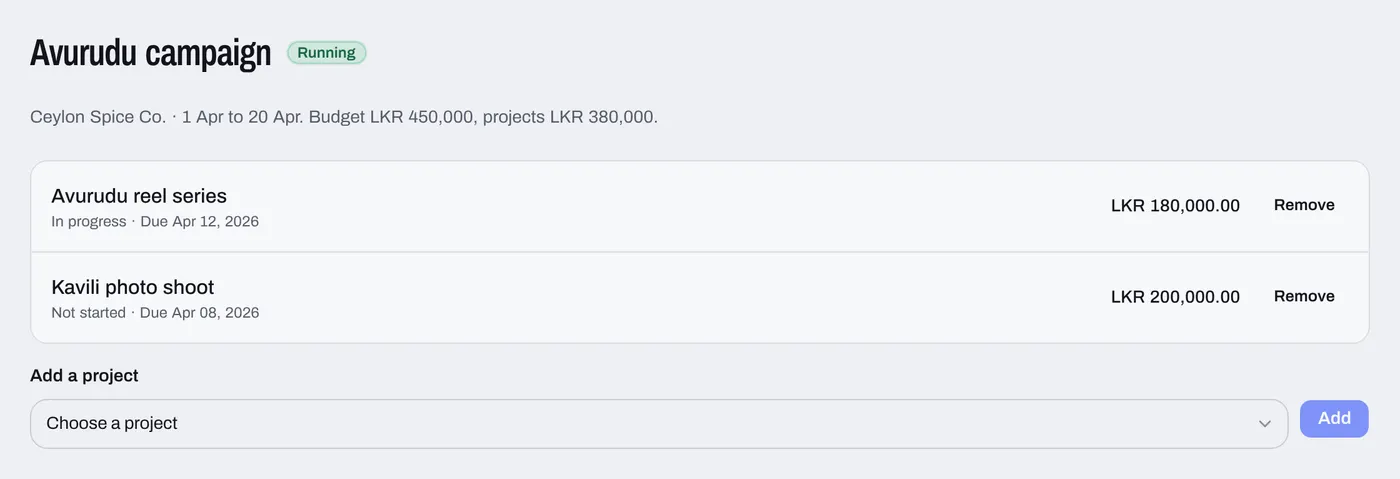
For agencies running campaigns for brands: campaigns with budgets and live profit, a creators list, a posts table and team workload.
Tasks get tags, sprints, and comments with @mentions.
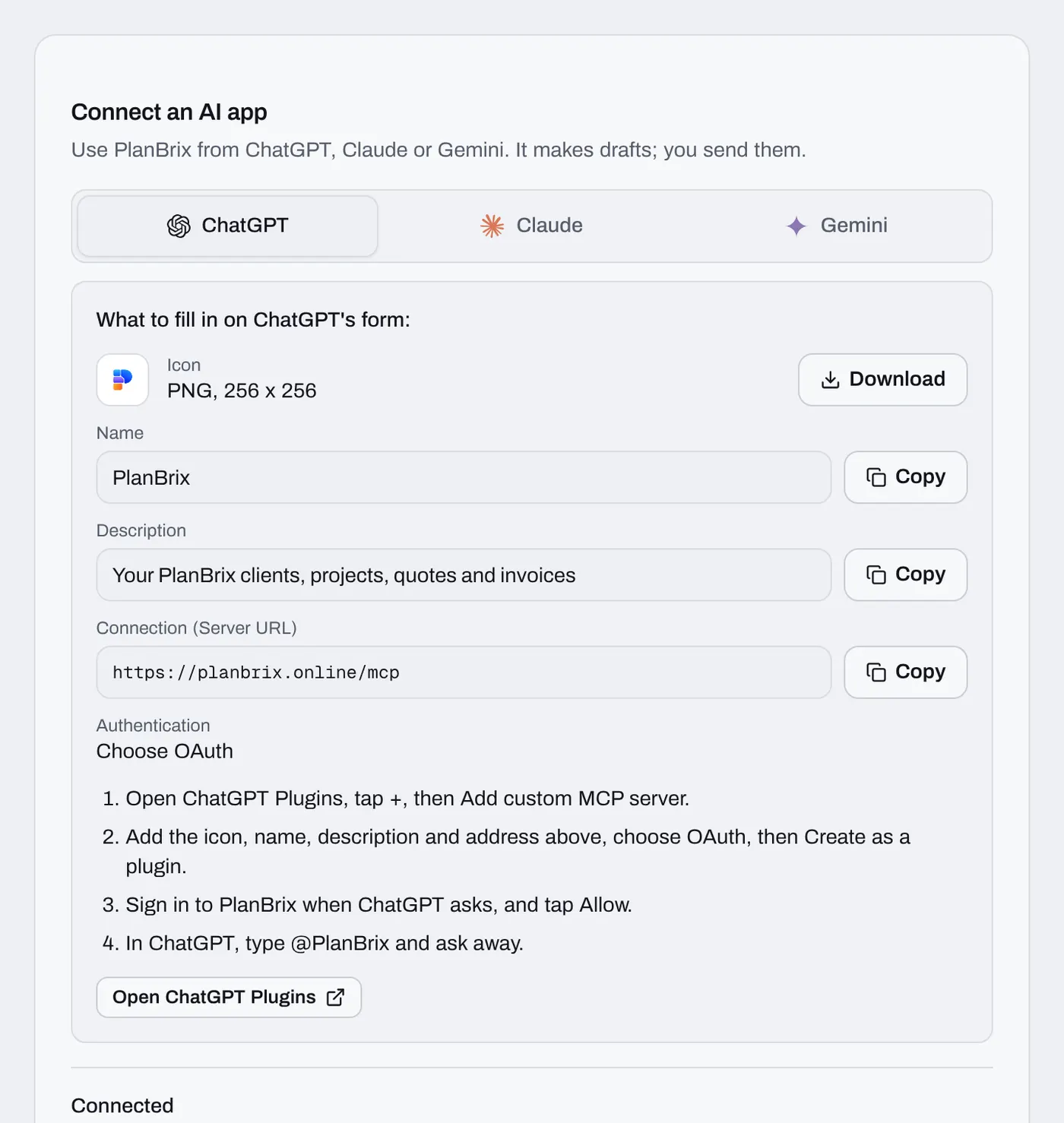
See the task managerSave invoice PDFs to your Google Drive, and use your workspace inside ChatGPT.
Pro and Premium by card, monthly or yearly, and a page of short videos showing the real app.
See how it worksGuided walkthroughs from the ? menu that point at each button, and a getting-started checklist.
Ask Pola who owes you money or what's due this week, and it answers from your own data.
Bring your clients and projects over from Excel, Google Sheets or a CSV file.
Paste a WhatsApp chat or send screenshots, and Pola fills in the client, items, prices and dates.
Try PlanBrix without signing up, and install it on your computer or phone.
Get the appSend a quote the client can accept online, then turn it into a project and an invoice.
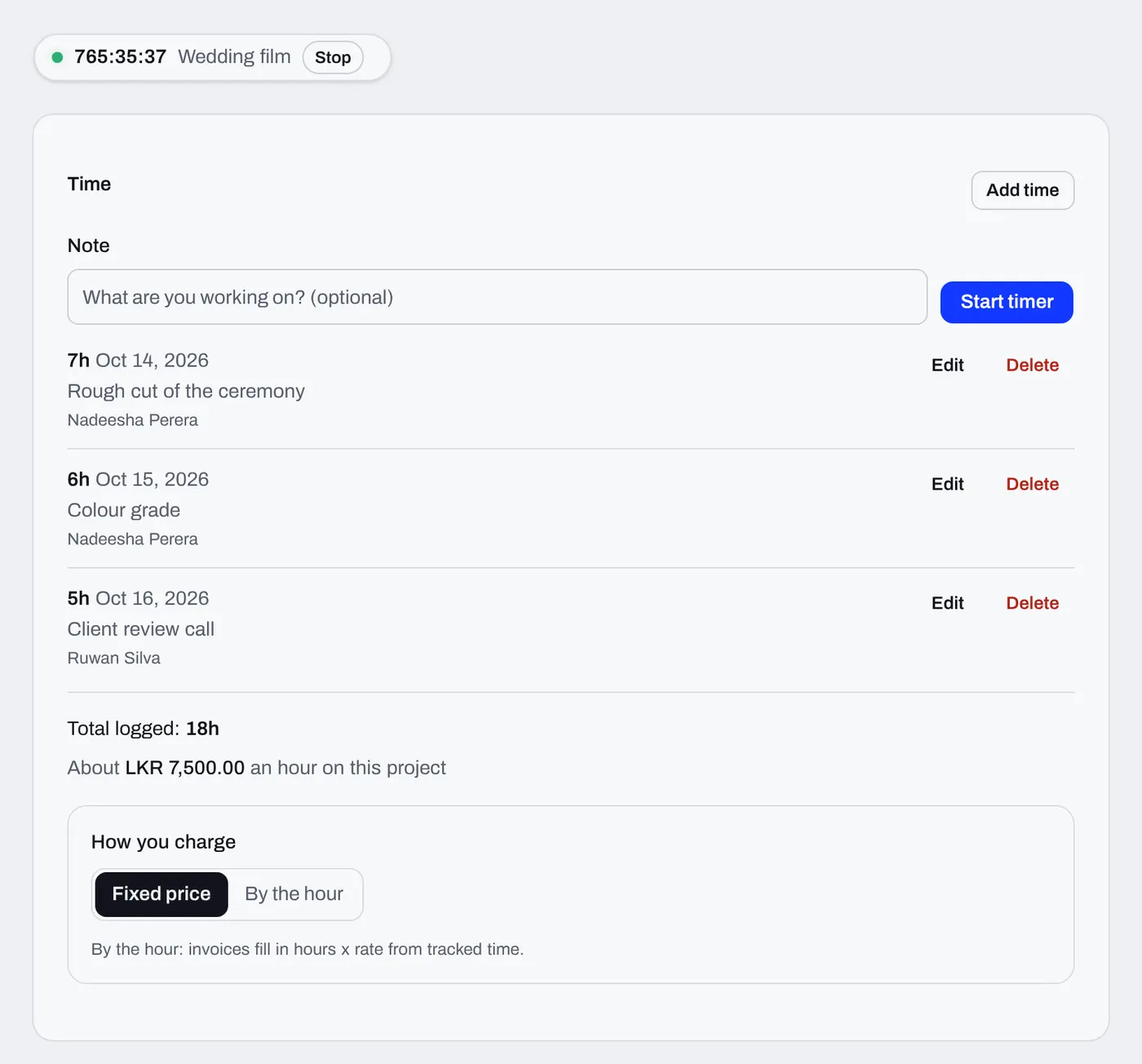
Add what each project cost and see what you really made.
Prices per platform, package or service, with starter lists for creators, photographers, designers and more.
Pola, the PlanBrix assistant, can now listen and reply out loud.
Meet PolaAutomatic payment reminders, late fees for overdue invoices, invoice templates and the first version of Pola.
The first version: projects, invoices and payments, linked together in one place.
Projects, invoices, payments and reminders in one place. PlanBrix has a free plan, no card needed.